

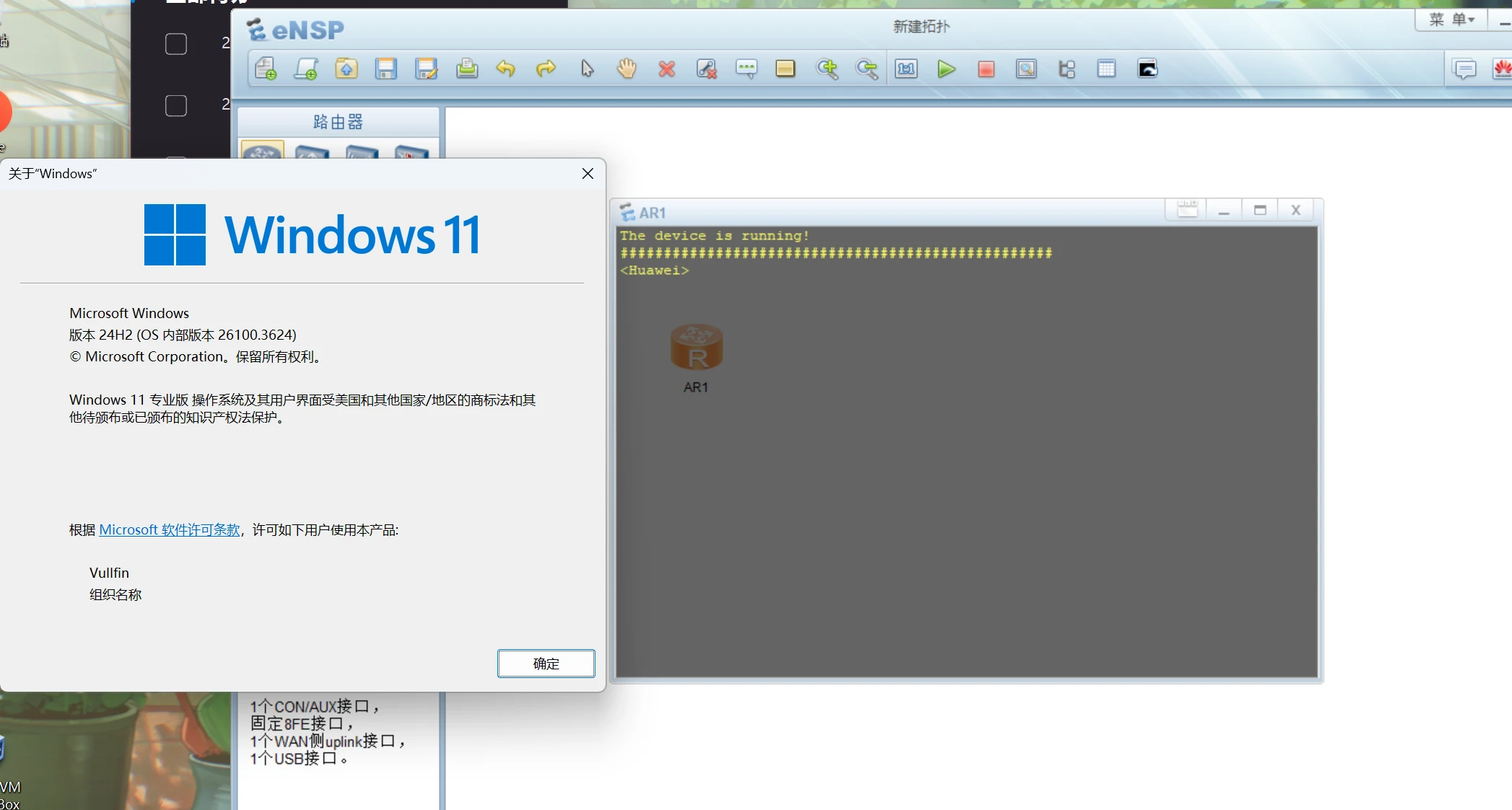
Method 1
You need to download a patch. Click the link below to download it.
Note that you must not skip the prerequisite updates; you cannot install this patch directly across major versions.
Method 2
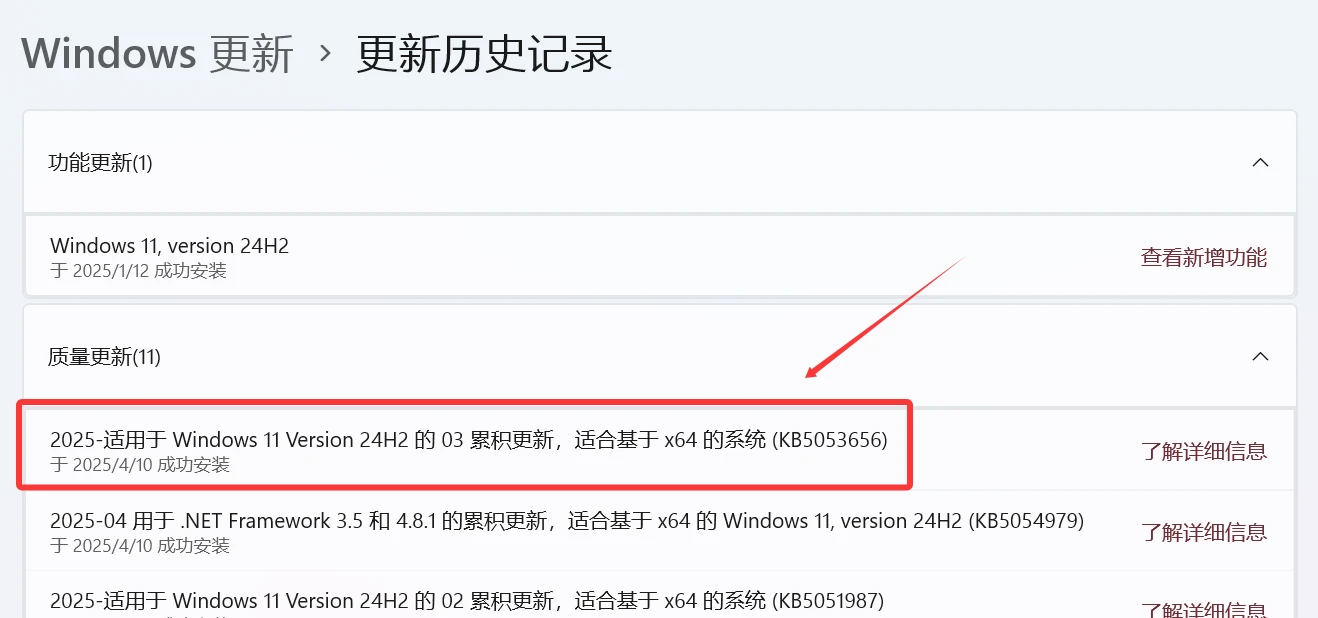
Update it manually in Settings.
Note that if you don’t see the patch package, it’s because the prerequisite update hasn’t been installed. After updating, the patch package will appear. Once installed, the problem will be perfectly resolved.
Method 3
Manually downgrade your Windows version
If you enjoyed this, leave a comment~