Quickly Release a Locked File

Published 2023-04-04 23:50 100 words 1 min read

Resolve file-in-use issues such as "file already open in another program" and "file is being used by another process"; delete files quickly; detailed step-by-step tutorial

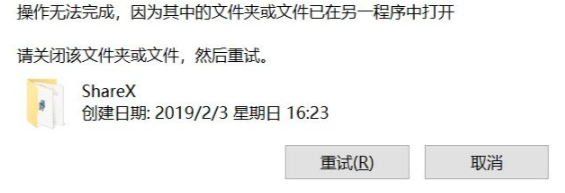
This chapter documents how to resolve the "file in use", "file is running", and "file is open" prompts that appear when you try to delete a file.
+++

Method 1

Use Huorong (no need to over-engineer a simple fix)

Click to download

Method 2 (Recommended)

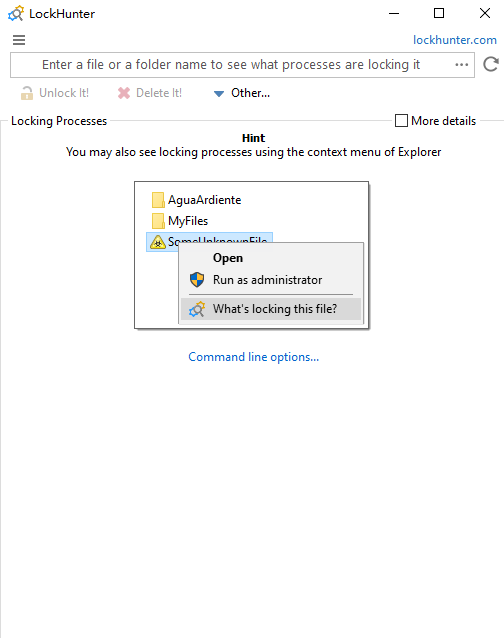
Use LockHunter

Official site Click to download Lanzou Cloud Click to download Password: ghrc

Method 3 (1.2 has a bug that makes it unresponsive)

Use IObit Unlocker 1.3

Official site Click to download Lanzou Cloud Click to downloadPassword: 2fhn

If you enjoyed this, leave a comment~

... Page views
© 2021 - 2026 Vullfin @VV
Powered by theme astro-koharu · Inspired by Shoka